Two-way entry
QR + NFC
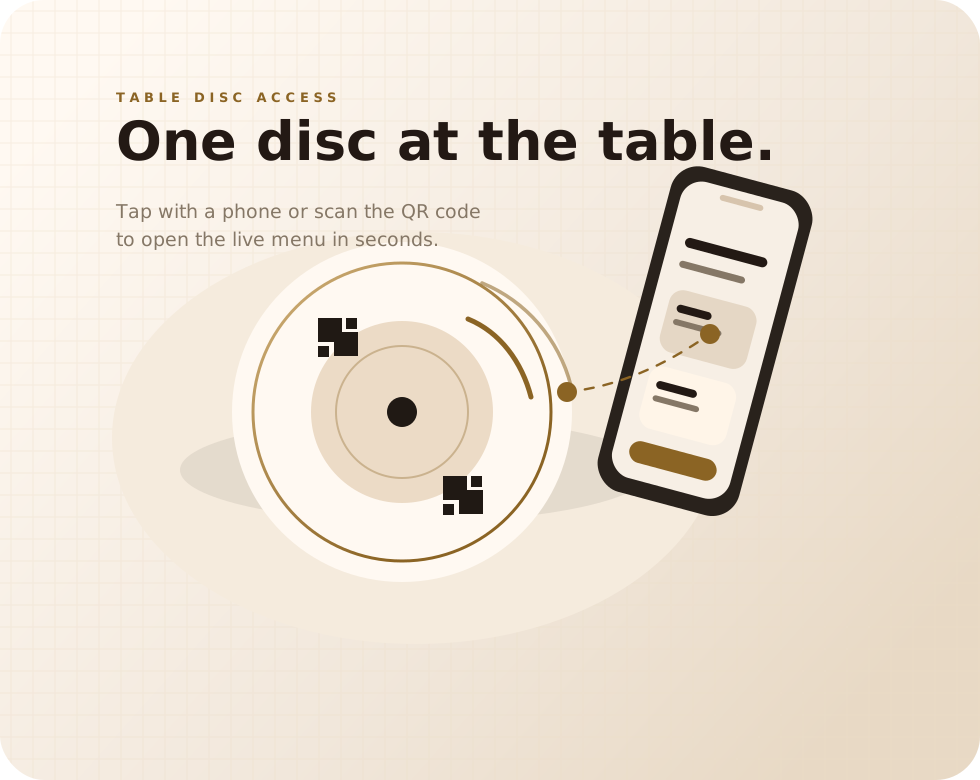
Guests scan or tap the same table disc and land on the same menu.
Menuskip For Modern Dining Rooms
MenuSkip puts a QR + NFC circle on each table so guests can tap or scan and see the live menu right away while they wait to be greeted.
Works with iPhone and Android. No app required.
Two-way entry
Guests scan or tap the same table disc and land on the same menu.
Browser-first
The menu opens in the phone browser immediately, without friction.
Always current
Update specials, sold-out items, prices, and notes one time for every table.
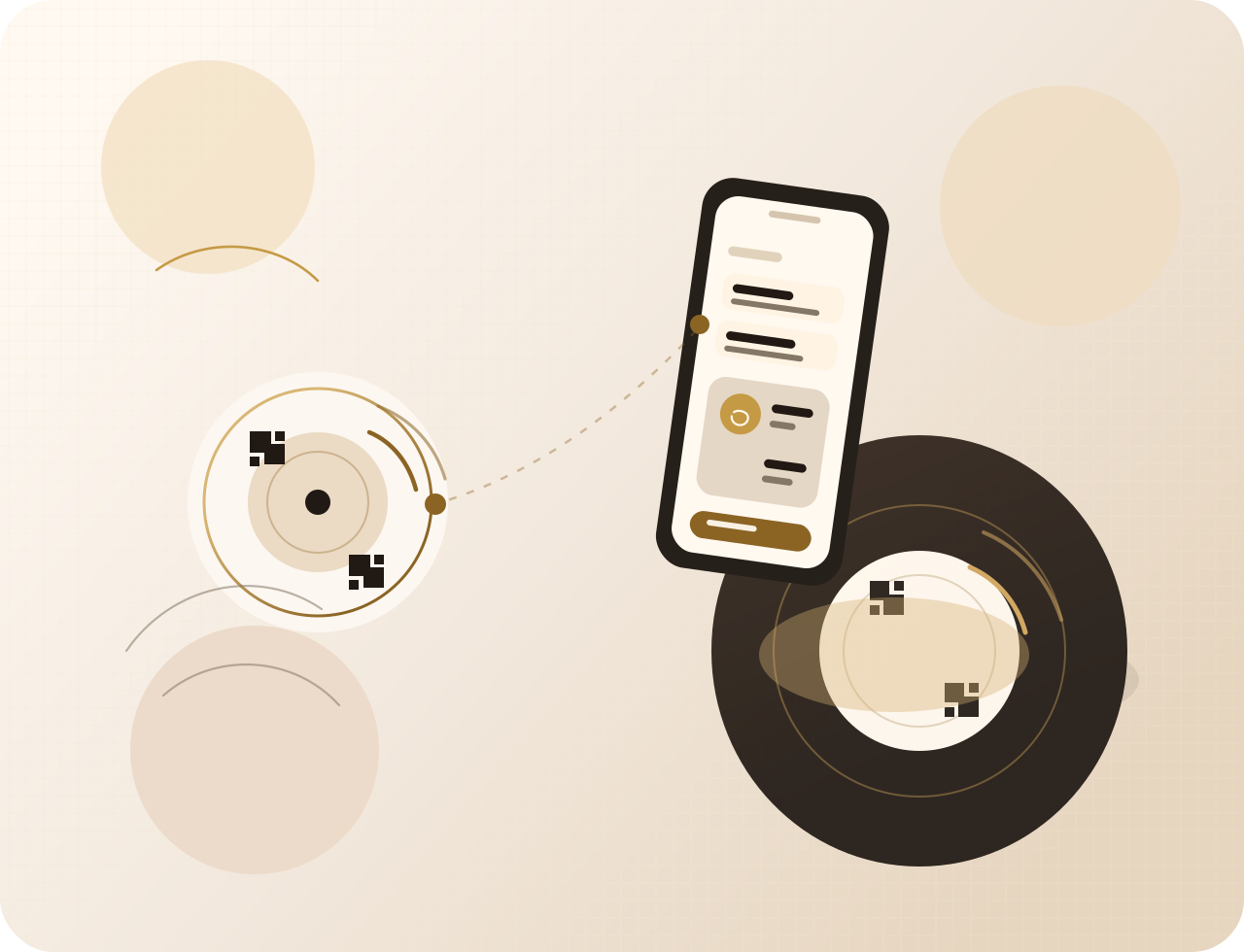
Table Ready
By the time staff arrives, guests are already looking at the menu instead of waiting for a handoff.
What MenuSkip Is
Each table gets a low-profile MenuSkip disc with a QR code and NFC touchpoint. Guests use their own phone, the menu opens in the browser, and the first few minutes after seating become useful instead of idle.
On-table
It sits neatly beside the condiments and glassware without crowding the table.
Fast Entry
Guests have two natural ways to open the same digital menu on the spot.
Human Service
MenuSkip helps guests browse early while the server still leads the experience.
Best fit
Great for full-service restaurants, hotel dining rooms, bars, lounges, cafes, and any space where guests sit before the menu arrives.
Diner Flow
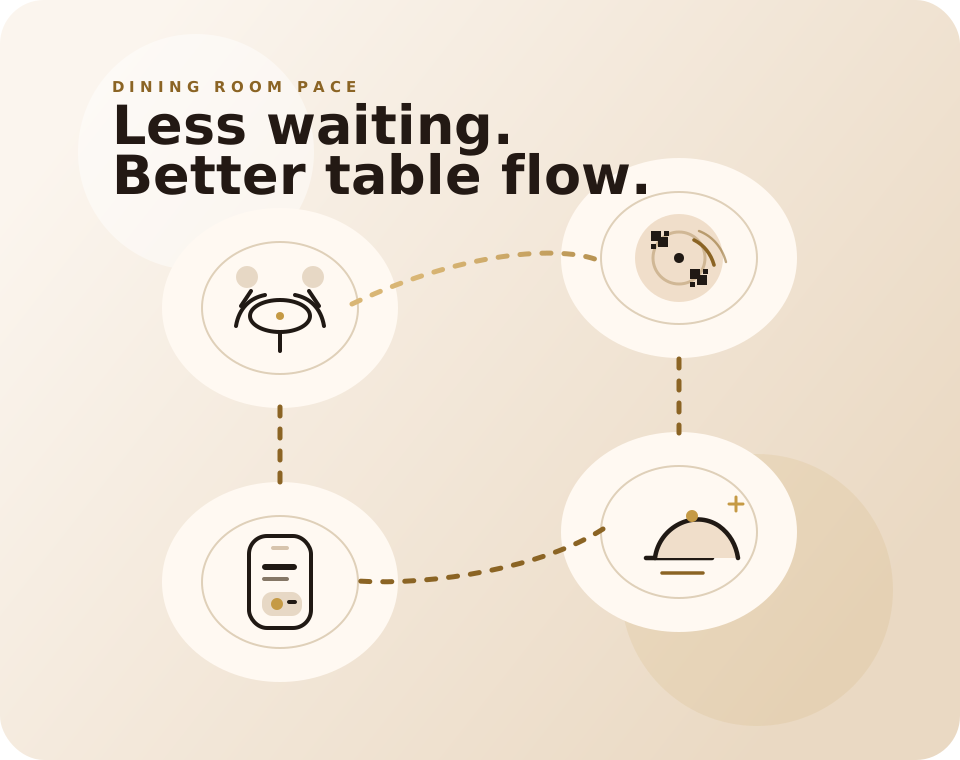
MenuSkip is built for the short gap between seating and greeting. Guests start reading the menu immediately instead of waiting for a printed menu to land on the table.
01
A guest sees the circle on the table, touches it with a phone or scans the QR code, and the link opens right away.
02
Guests see current sections, specials, allergen notes, drink lists, and whatever the restaurant wants to highlight that day.
03
When staff reaches the table, guests have context, questions, and usually a shorter path to deciding.
For Restaurants
MenuSkip does not try to replace hospitality. It removes a repetitive step, gives guests something useful to do while they wait, and gives the dining room a cleaner rhythm.
Staff spends less time carrying, collecting, and replacing printed menus.
One small branded disc is easier to maintain than stacks of worn paper menus.
Change featured dishes, wines, and happy hour items without reprinting anything.
Servers meet guests who already know the menu and can move directly into guidance.
Live Menu Control
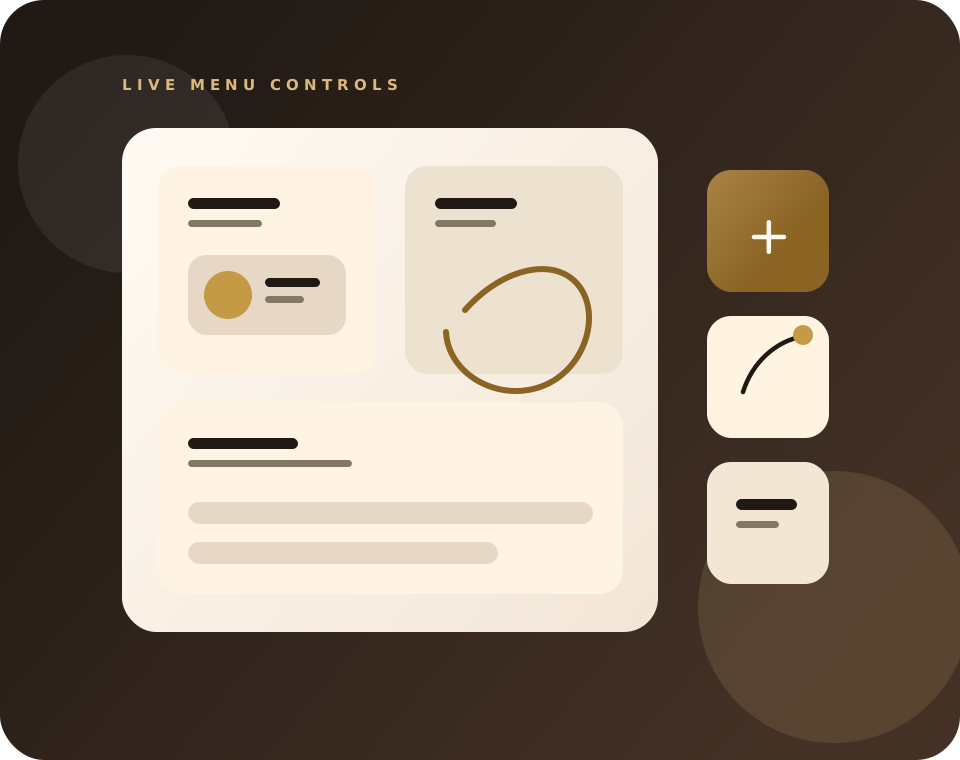
MenuSkip works best when the menu stays current. If the fish is sold out, brunch starts, or a wine list changes, guests see the new version immediately on their own phone.
Avoid the table-side apology by removing sold-out items the moment they are gone.
Use the same table disc for breakfast, lunch, dinner, drinks, happy hour, or a special event menu.
Give guests better detail without crowding a printed layout or requiring another conversation for basics.
Common Questions
No. MenuSkip opens in the phone browser. Guests can tap the NFC tag or scan the QR code and go straight to the menu.
Yes. The disc supports scan and tap so guests can use whichever action feels natural on their device.
Yes. That includes specials, pricing, wine lists, sold-out items, holiday menus, and allergen details.
No. MenuSkip can simply help guests access the menu while the service team still takes care of ordering in the normal way.
Start The Setup
Send a few details and we can help you plan the right setup for your dining room, from the number of discs to the way your digital menu should open.
Helpful to include